Record every mile
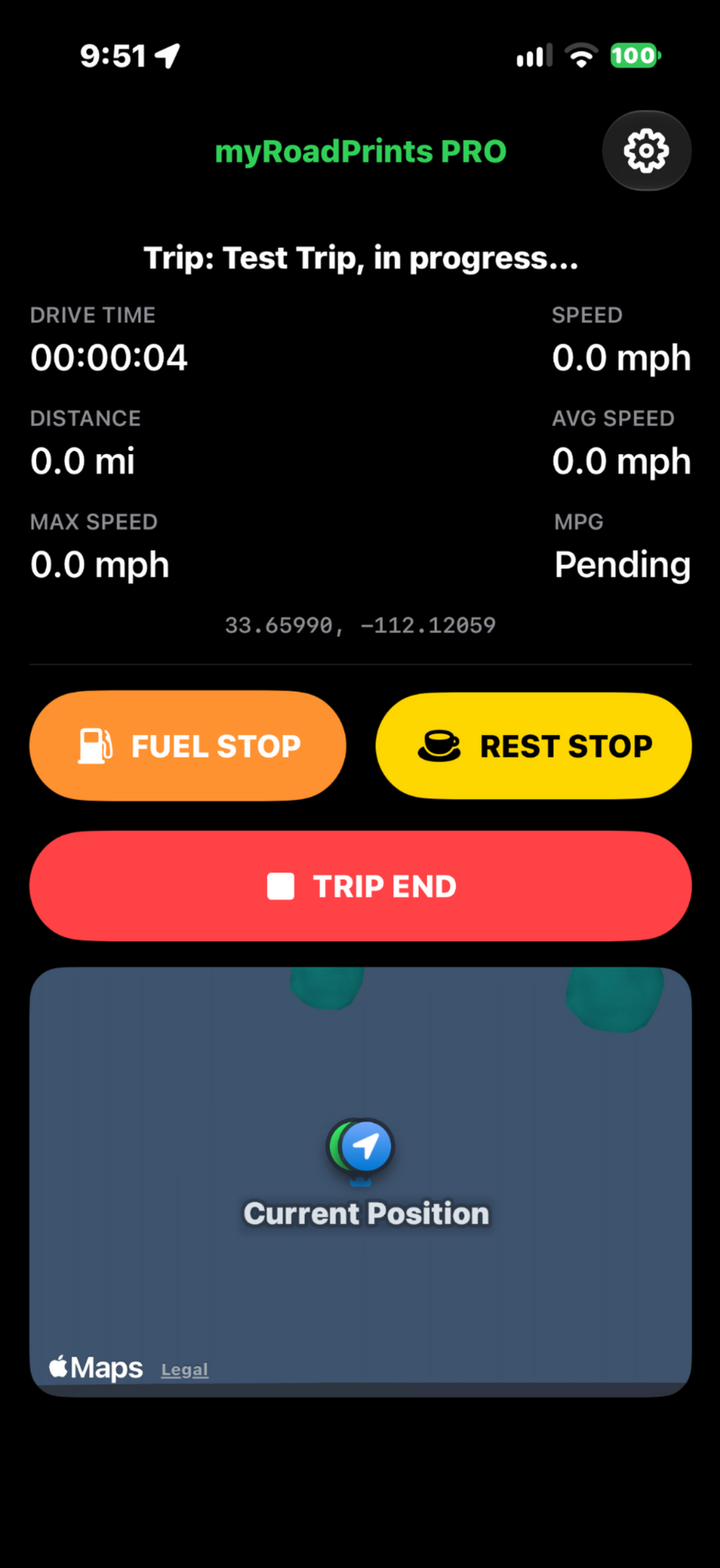
Track GPS position, distance, drive time, current, average and maximum speed, and estimated MPG when sufficient fuel data is available. Use Fuel Stop, Rest Stop and Trip End when safely parked.
Fuel and mileage tracking
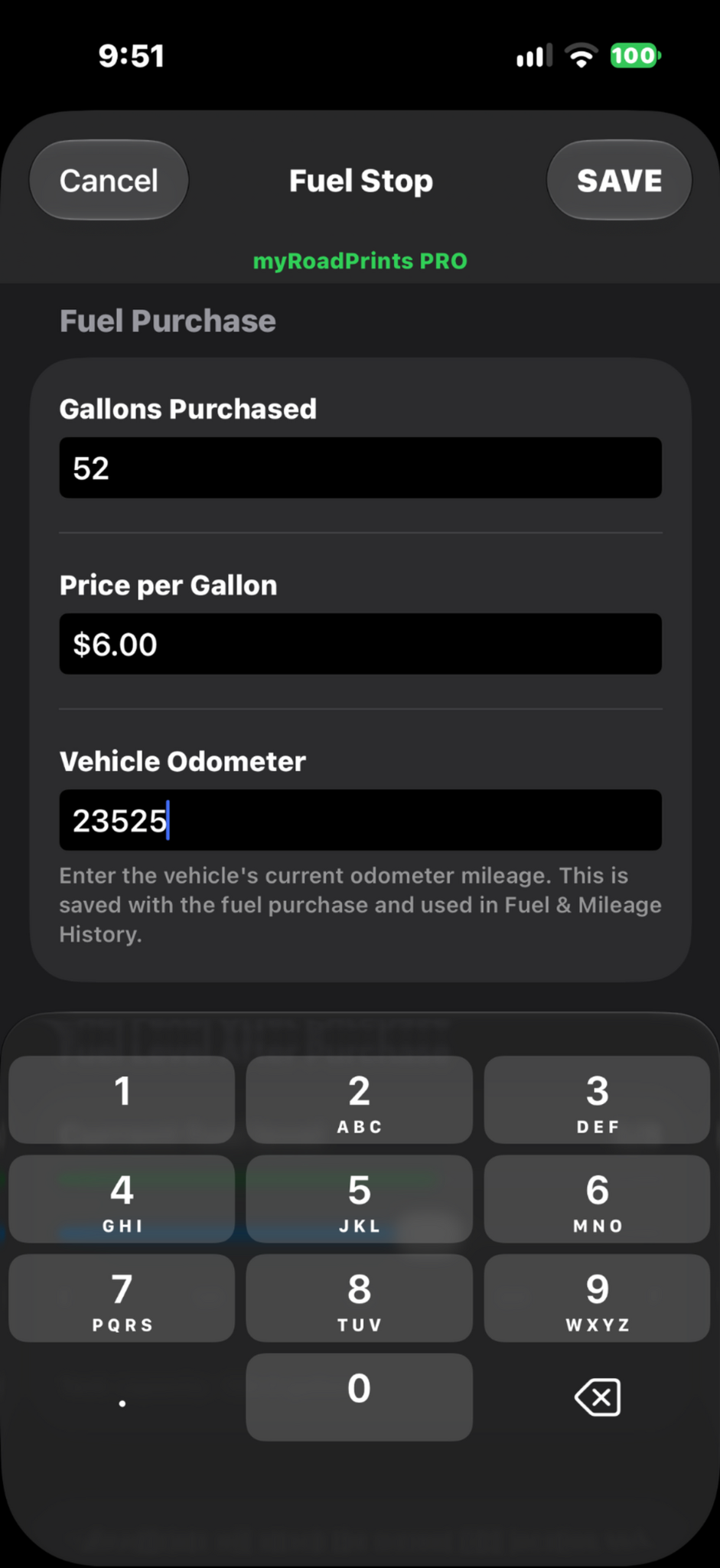
Record gallons purchased, price per gallon and the vehicle odometer. Review fuel costs and mileage history. PRO users can turn fuel collection off for new trips without losing existing fuel history.
Organize and revisit your trips
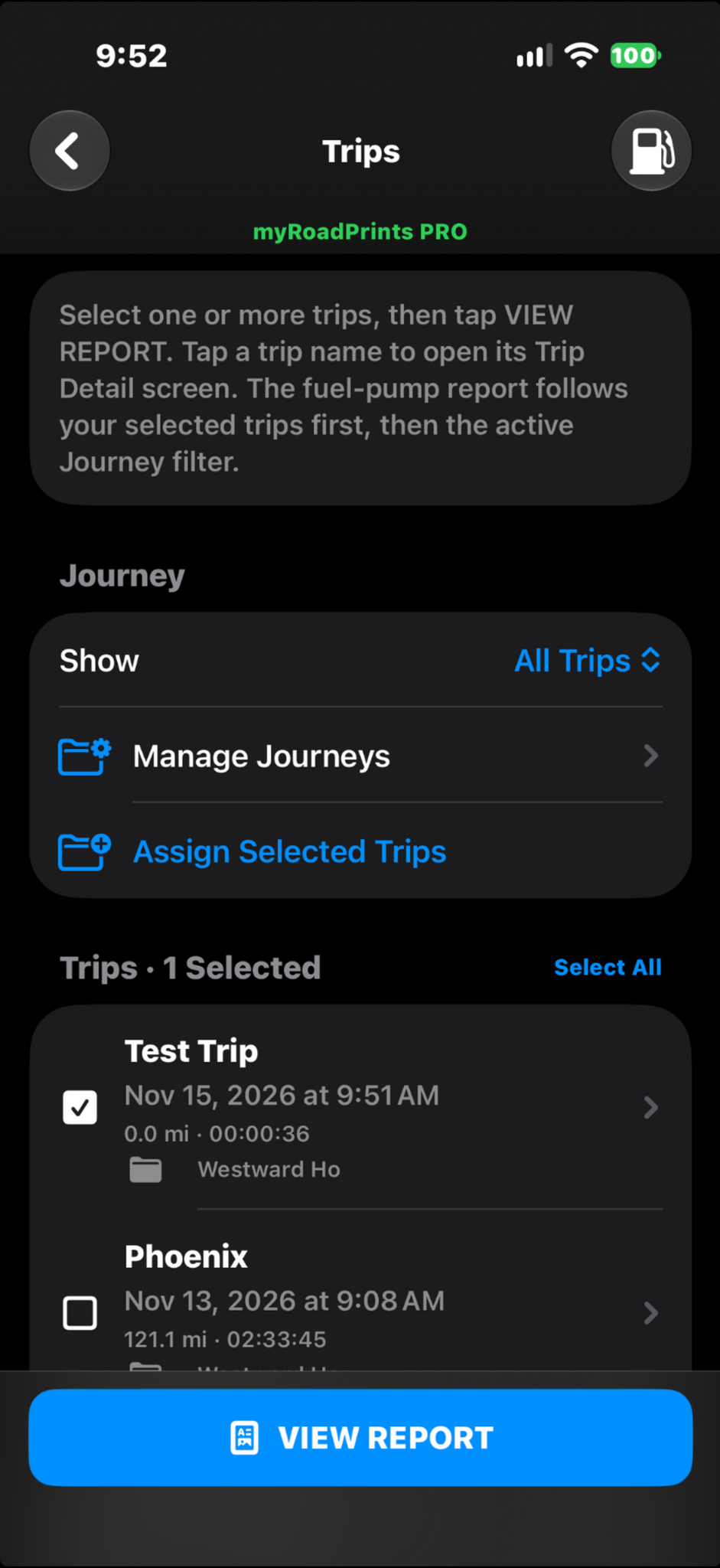
Filter trips by Journey, manage Journeys, assign selected trips and open a trip’s details. Keep multi-day road trips together without losing the individual driving records.
Turn your travels into reports
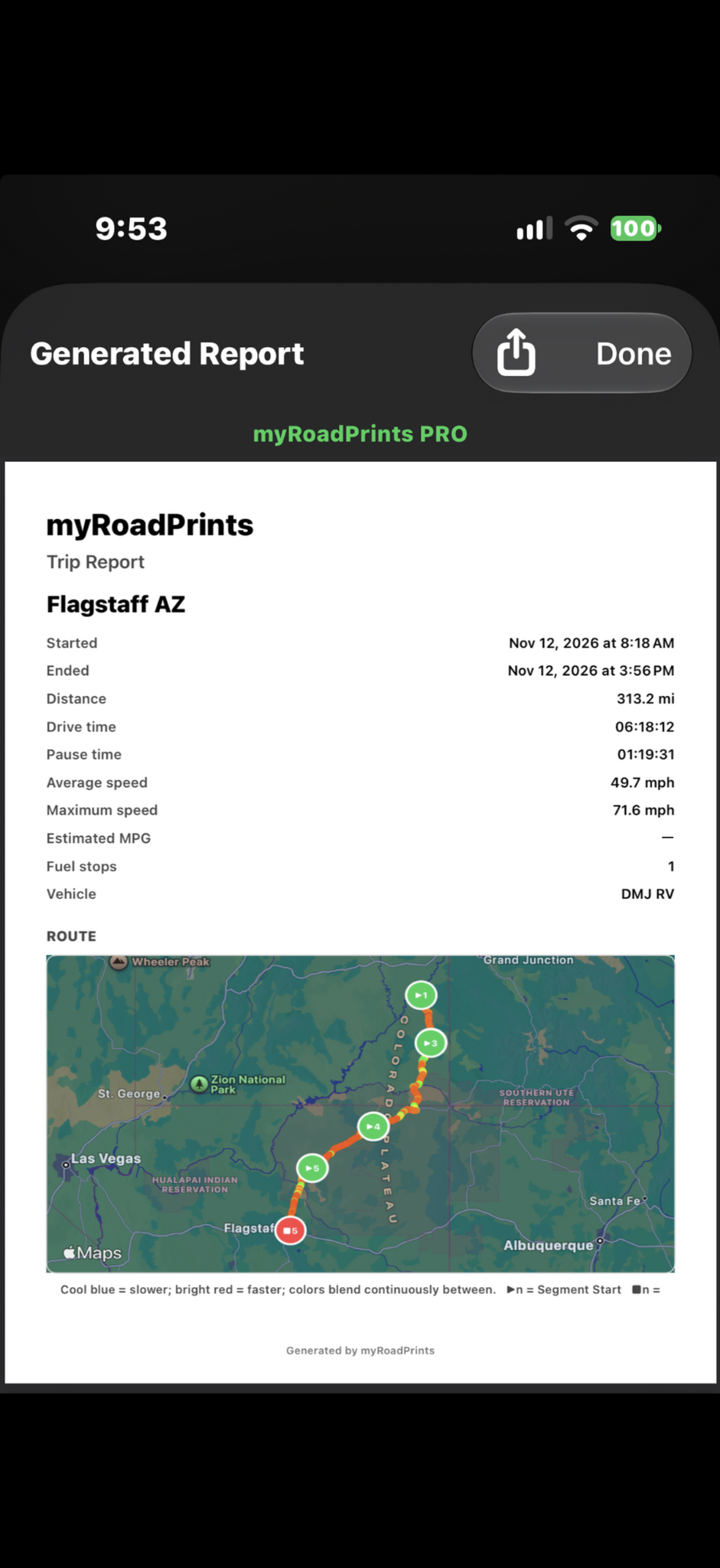
Select one or more trips to generate a PDF with driving statistics and a speed-colored route map: blue represents slower driving and red faster driving. Share or save the report using the system share control.
myRoadPrints PRO
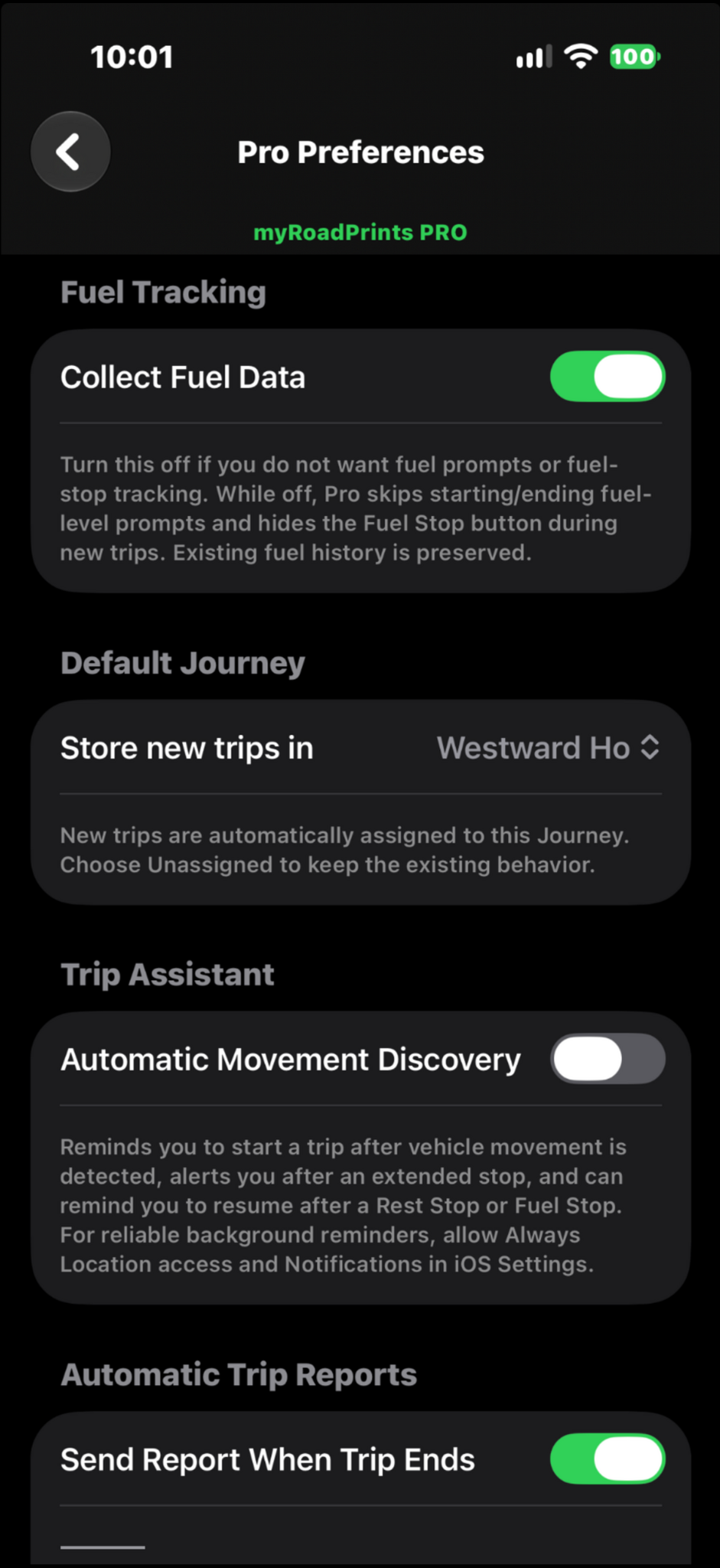
A one-time upgrade removes the trip-start limitation. Configure fuel collection, a default Journey, automatic movement discovery reminders and automatic trip reports. No recurring subscription.
Keep your records
Use CSV export and restore to maintain a separate backup of your trip history.

